


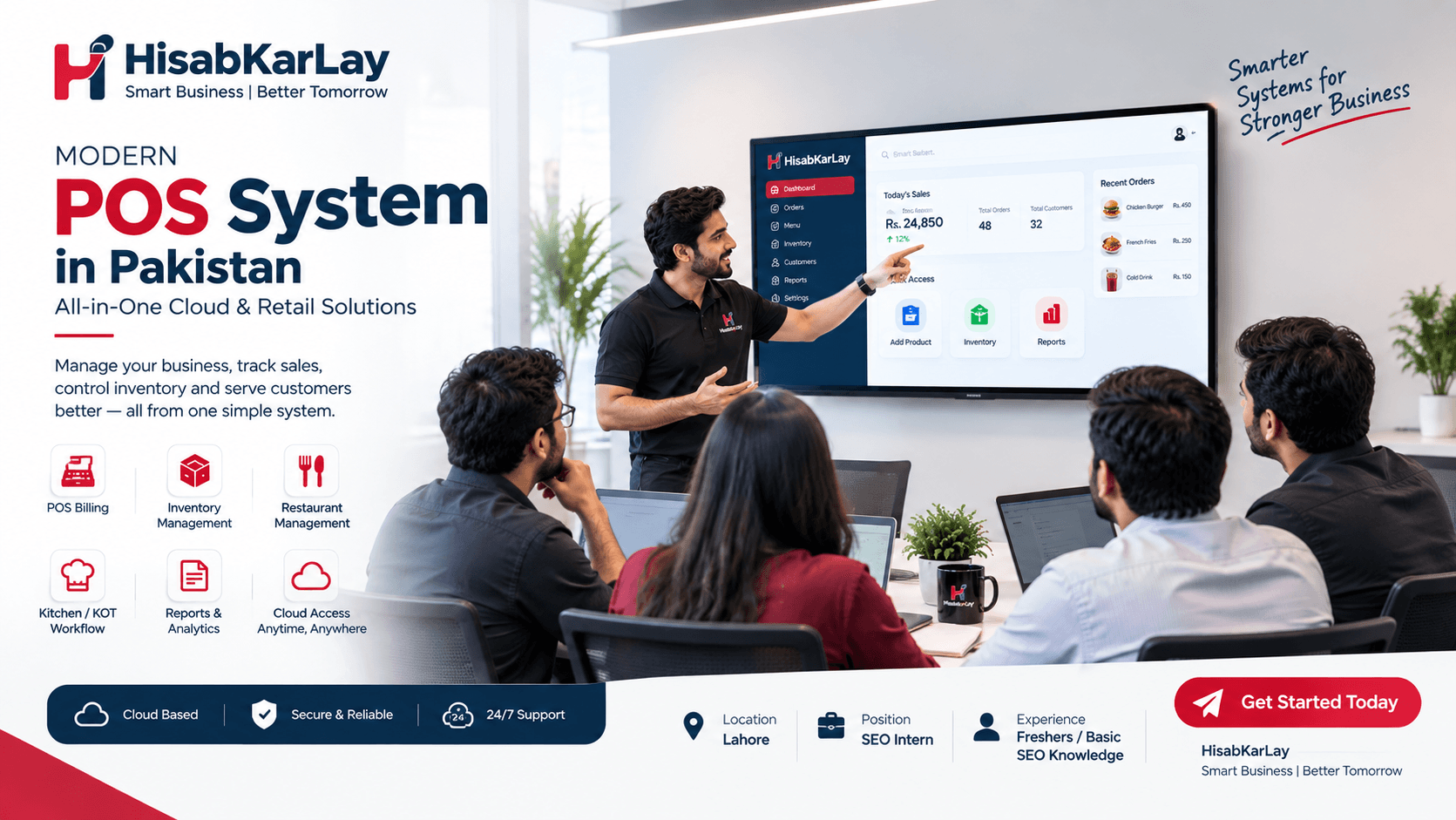

Modern POS System in Pakistan: All-in-One Cloud & Retail Solutions
If you search "best POS software in Pakistan," you'll find dozens of listicles ranking products by star ratings without ever asking what your business actually does all day. A grocery store owner ringing up 400 transactions during Friday rush has completely different needs than a pharmacy owner tracking batch numbers and expiry dates, and a restaurant juggling waiter apps, kitchen printers, and delivery aggregators needs something else entirely. The "best" POS system isn't a single product it's whichever system handles your specific transaction volume, your specific compliance obligations, and your specific failure points without falling apart at 7 PM on a Saturday. That's the lens this guide uses instead of a generic ranked list, because a feature that matters enormously to a restaurant (like kitchen order ticket routing) is often irrelevant to a boutique clothing retailer, and vice versa.
FBR-Integrated POS: What It Is and Who Needs It
Pakistan's tax compliance landscape around point-of-sale systems has shifted substantially, and it's now one of the biggest decision factors for anyone buying software in 2026.
How FBR POS integration works
An FBR-integrated POS connects directly to the Federal Board of Revenue's digital invoicing system through a secure API. Every sale is reported in real time to the tax authority, with the system handling real-time sales reporting, invoice validation, and transparent revenue tracking. In practice, this means each receipt your system prints carries a verified FBR invoice number and a QR code that a customer or an FBR officer can scan to confirm the sale was actually reported.
Which businesses are required to integrate
Historically, mandatory integration focused on large "Tier 1" retailers — chains with multiple outlets, businesses above certain turnover thresholds, international franchises, and retailers in major malls. But the scope has widened considerably. A February 2026 regulatory proposal from FBR would extend the e-invoicing/POS integration requirement well beyond traditional retail, covering restaurants, hotels and marriage halls, courier and cargo services, medical providers, diagnostics and hospitals, gyms, photographers and event managers, accountants, foreign exchange dealers, and private schools, several of these with size or fee-based thresholds that determine exactly who's covered. If you run a mid-sized restaurant, a diagnostic lab, or a private school with growing enrollment, it's worth checking now whether you'll fall inside these thresholds rather than waiting until enforcement catches up with you.
What happens during internet or power outages
This is the part most buyers never think to ask about until it's too late. Under the proposed framework, any invoice issued while the system is offline due to an internet or power failure must be clearly marked as offline mode and then uploaded to FBR within 24 hours of the connection being restored. That single requirement should immediately tell you something important: a Point of Sale system that only works online isn't compliant by design, because Pakistan's grid and connectivity realities mean outages are a when, not an if. Any FBR-integrated system you evaluate needs a genuine offline billing mode that queues transactions locally and syncs automatically once the connection returns, not a system that simply stops working when the internet drops.
Core Features Every Pakistani Business Should Check
Beyond compliance, a handful of features separate software that actually gets used from software that gets abandoned within three months.
Offline billing reliability
This deserves top billing because it's the single most common operational failure point for POS systems in Pakistan. Load-shedding and inconsistent broadband aren't edge cases here — they're a normal Tuesday. A system that can't generate a bill without a live internet connection will eventually cost you a queue of frustrated customers at the exact moment you can least afford it, so ask vendors directly how their offline mode behaves, how long it can run unsynced, and what happens to that data once connectivity returns.
Inventory and stock control
This matters differently depending on your business, but the underlying question is the same: does the system give you real-time visibility into what you actually have, rather than what a spreadsheet says you should have? For retailers and supermarkets, this means barcode-based stock deduction at the point of sale, low-stock alerts, and supplier/purchase order tracking tied to the same records your cashier is using. Manual stock tracking across separate registers and notebooks is one of the most common reasons small businesses lose money without noticing — inventory shrinkage hides easily when nothing reconciles automatically.
FBR-ready invoicing and QR codes
As covered above, this is quickly moving from "nice to have" to "required," and the technical bar keeps rising. Beyond generating the QR code itself, the proposed rules require systems to create and record digital signatures, maintain logs for adjustments and cancellations, and perform day, week, and month closing routines — meaning your audit trail needs to be solid enough to survive an actual FBR review, not just look compliant on the receipt.
Choosing POS Software by Business Type
Retail and supermarket Point of Sale
For general retail and supermarkets, the priorities are speed at checkout, accurate barcode scanning, and stock visibility across one or multiple branches if you're growing. If you operate more than one outlet, centralized inventory where stock levels, pricing, and sales data sync across branches in real time stops being a convenience and becomes essential, since manually reconciling numbers between locations at month-end is where most multi-branch retailers lose hours they don't have.
Restaurant POS and kitchen order workflow
Restaurants have a failure mode that retail doesn't: the gap between a waiter taking an order and that order actually reaching the kitchen. In a typical setup, an order moves from waiter to POS terminal, to a backend server, to a kitchen display or KOT printer, and finally to kitchen staff and any one of those hops can break, whether from a local printer jam, a dropped local network connection, or a sync delay between the front-of-house and kitchen. Before choosing restaurant software, it's worth asking directly what happens if the kitchen printer loses connection mid-shift: does the order queue and retry, or does it silently vanish? That single conversation with a vendor tells you more about real-world reliability than any feature list.
Pharmacy POS with expiry tracking
Pharmacies carry a risk that most other retail categories don't: selling expired medicine, whether by oversight or poor batch tracking. A pharmacy-specific POS needs to track medicines by batch number and expiry date, flag stock nearing expiry before it becomes unsellable (or worse, gets sold), and ideally tie that to supplier and rack-location data so staff can find and rotate stock efficiently. Generic retail POS software that treats every item as identical inventory simply isn't built for this, so if you're running a medical store, don't settle for a system that was designed for clothing racks and grocery shelves.
POS System Price in Pakistan: What to Expect
| Business Type | Typical Setup Needs | Price Sensitivity |
|---|---|---|
| Single-outlet retail shop | Basic billing, barcode scanning, simple inventory | Prioritizes low monthly cost |
| Multi-branch retail/supermarket | Centralized inventory, multi-user access, reporting | Willing to pay more for sync reliability |
| Restaurant | KOT/kitchen display, table management, online order integration | Prioritizes uptime and support responsiveness |
| Pharmacy | Batch/expiry tracking, supplier management | Prioritizes accuracy and compliance features |
Pricing across the Pakistani Point of Sale market varies widely by vendor and feature depth, and published rates change frequently, so rather than quoting a fixed number here, the more useful approach is asking every vendor the same three questions: what's included in the base monthly or one-time cost, what costs extra (hardware, additional user seats, FBR integration setup, support tiers), and whether pricing scales predictably as you add branches or terminals. A system that looks cheap upfront but charges heavily for every add-on often ends up costing more than a transparently priced alternative within the first year.
Common Mistakes Businesses Make When Choosing POS Software
The most frequent mistake isn't picking a bad system it's picking a system built for a different kind of business than the one you're running, usually because a demo looked impressive without anyone testing it against your actual daily rush. A close second is ignoring the offline question entirely and only discovering the system's limitations during the first extended power cut. A third, less obvious mistake is choosing software based purely on price without asking how support actually works when something breaks a system that's cheap on paper but leaves you waiting hours for a technician during dinner service on a Friday isn't actually saving you money.
Data Migration: What to Ask Before You Switch
If you're moving from a manual register, an Excel sheet, or an older software system, your existing customer records, khata/udhaar balances, historical sales data, and product catalog all need somewhere to go. Before signing up with any vendor, ask directly: can my existing customer and transaction data be migrated safely, who handles the mapping and validation, and what's the backup plan if something doesn't transfer cleanly? A vendor that has a clear, documented answer to this is generally more trustworthy than one that waves the question away — data migration problems are one of the most common (and most avoidable) sources of buyer regret after switching systems.
Peak-Hour Performance: A Question Most Buyers Forget to Ask
A demo running smoothly with one cashier and no customers tells you almost nothing about how a system behaves during your actual peak hours, when multiple terminals are hitting the same database simultaneously and a queue is forming at the till. Before committing, it's worth directly asking any vendor how their system performs under multi-user, high-transaction-volume conditions — not because cloud systems are inherently unreliable, but because performance under load is a genuine differentiator that rarely shows up in a sales pitch.
How HisabKarLay Approaches These Problems
HisabKarLay's POS system is built around the operational realities covered above — offline billing that keeps working through connectivity drops, centralized inventory for businesses running more than one outlet, and FBR-ready invoicing designed to match Pakistan's evolving compliance requirements. For restaurants specifically, the restaurant management system is built to handle the waiter-to-kitchen order flow directly, reducing the dropout points described earlier, and pairs naturally with the online ordering platform for businesses taking delivery orders alongside dine-in. If your business is a pharmacy or medical store needing expiry and batch tracking, or a growing retail chain that needs customer relationship tracking across branches, it's worth exploring the CRM system alongside your POS setup rather than treating billing and customer management as separate problems.
Conclusion
Choosing POS software in Pakistan in 2026 isn't just about finding the cheapest monthly plan or the longest feature list, it's about matching a system to the specific way your business actually operates, while making sure you're not caught off guard by FBR's expanding integration requirements. A retail shop, a restaurant, and a pharmacy each fail in different ways when the wrong system is chosen, so the smartest first step is mapping your own operational risks offline reliability, peak-hour load, expiry tracking, kitchen workflow — before comparing vendor pricing pages. Get that part right, and the rest of the decision becomes much easier.