


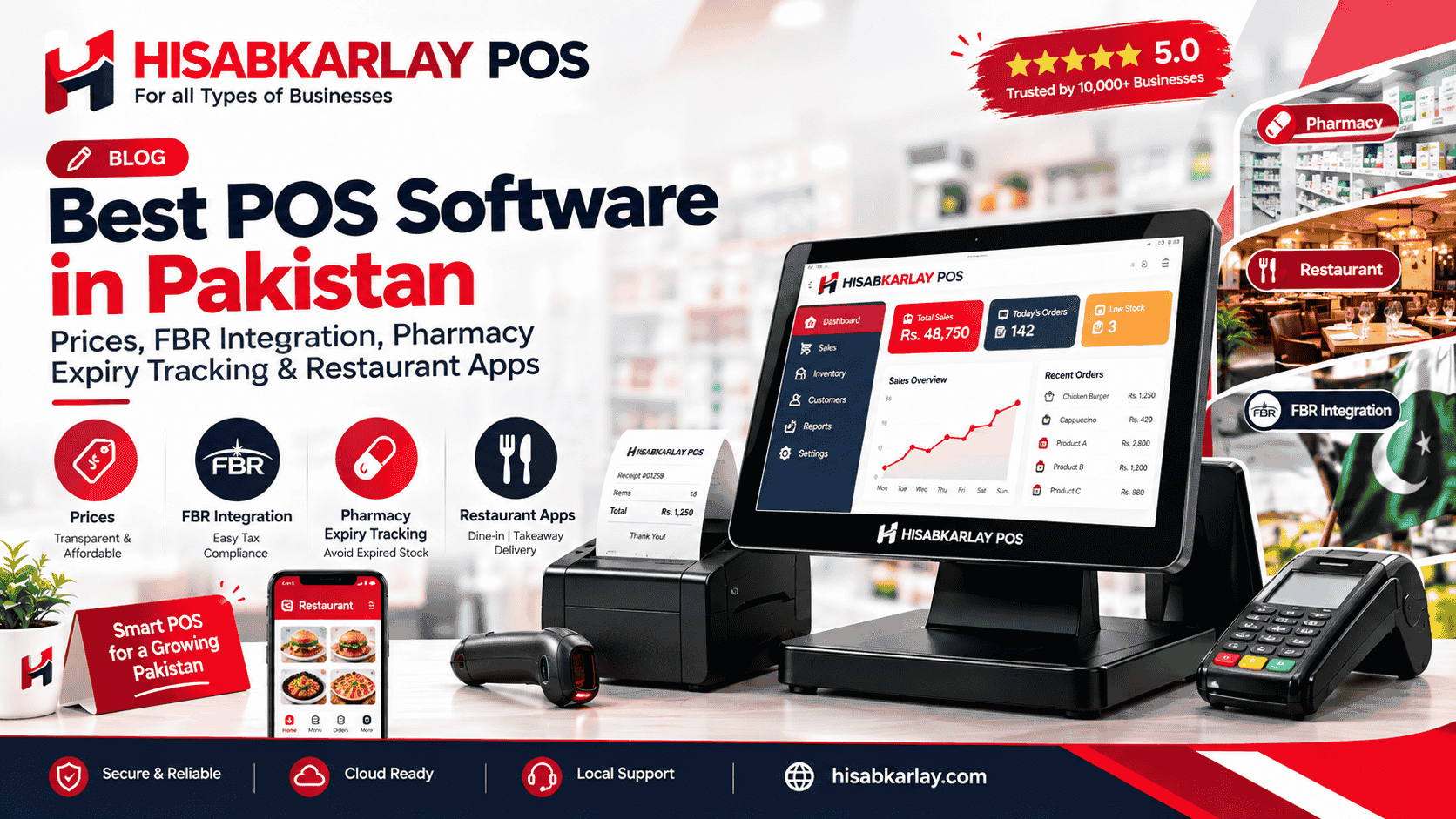

Best POS Software in Pakistan: Prices, FBR Integration, Pharmacy Expiry Tracking & Restaurant Apps
If you run a shop, restaurant, pharmacy, or school in Pakistan, you already know the pain. Cash registers lose track of stock. Staff make billing mistakes during rush hours. Owners spend nights fixing spreadsheets instead of sleeping. HisabKarLay is one of the top software solutions for small businesses in Pakistan, seamlessly connecting your sales, stock, and cash flow into a unified system you can monitor right from your phone. This comprehensive guide breaks down how it actually works, what it costs, and how it solves the most critical challenges faced by different types of businesses.
Advanced Pharmacy & Medical Store Billing Software in Lahore & Pakistan
Accounting software is not just a digital ledger. In a real Pakistani retail or restaurant setting, it needs to talk to your billing counter, your stock room, and your bank account at the same time. When these three pieces are disconnected, owners end up doing the same entry three times by hand.
A proper system should:
- Record every sale automatically, with no manual re-entry
- Update stock levels the second an item is sold
- Show daily, weekly, and monthly profit without extra work
- Work even when internet drops for a few minutes
- Let you check numbers from home or a second branch
This is where the line between plain accounting software and a full POS pakistan setup starts to matter. Small shops often start with basic bookkeeping apps, then hit a wall once they open a second counter or add online orders.
Best POS Software in Pakistan: What Separates the Good from the Bad
When people search for the best POS software in Pakistan, they usually compare price first and features second. That order is backwards. A cheap system that breaks during Eid rush costs more in lost sales than a slightly pricier one that never freezes.
Here is what actually separates reliable systems from weak ones:
Offline mode
Billing keeps working even if the internet cuts out, then syncs later
Multi-branch sync
Stock and sales update across all locations in real time
Local payment support
Easypaisa, JazzCash, and card machines connect without extra plugins
Urdu and English receipts
Staff and customers both understand the bill
Role-based access
Cashiers see only billing, owners see full reports
Founders comparing options should also check how fast the company responds to support calls, not just what the sales demo shows. A flashy interface means nothing if nobody picks up the phone during a system crash.
POS System Price in Pakistan: What You Should Actually Pay
The pos system price in pakistan question has no single answer, because pricing depends on hardware, software licensing, and support terms. Here is a realistic breakdown based on common market setups:
| Setup Type | Typical Cost Range | What's Included |
|---|---|---|
| Basic single-counter | PKR 25,000 – 60,000 | Software license, receipt printer, barcode scanner |
| Mid-size retail/restaurant | PKR 80,000 – 200,000 | Touch screen, cash drawer, KOT printer, cloud license |
| Multi-branch enterprise | PKR 250,000+ | Multiple terminals, central dashboard, dedicated support |
Many vendors also charge a monthly or yearly cloud subscription on top of hardware, usually between PKR 2,000 and PKR 8,000 per branch. Ask upfront whether the quote includes installation, training, and the first year of support. Some sellers quote low hardware prices then add hidden charges for software activation later.
Point of Sale Software in Karachi Pakistan: Local Setup Realities
Point of sale software karachi buyers face a specific challenge: high transaction volume paired with frequent power cuts. A shop on Tariq Road or a wholesale counter in Sherazi Goth cannot afford five minutes of downtime during peak hours.
Karachi-based businesses should prioritize vendors with a local support office, not just a call center in another city. When a printer jams or a terminal freezes at 7 PM on a Saturday, a technician who can reach your shop within the hour matters more than any software feature list. Ask any vendor directly how many technicians they have covering your specific area of the city before signing a contract.
When Free Windows POS Fails: How to Transition to FBR-Integrated Systems Safely
Searching for free pos software windows is common among new shop owners testing the waters before spending money. Free versions can work fine for a single counter with low daily transactions, simple stock, and no need for multi-branch reporting.
Free software usually fails once you need:
- Barcode scanning across hundreds of SKUs
- Integration with a weighing scale for loose items
- Automatic tax calculation for FBR-compliant invoicing
- Cloud backup so you don't lose data if the laptop crashes
Treat free software as a trial phase, not a permanent solution. Most businesses outgrow it within six to twelve months once sales volume increases.
Supermarket Billing Software: Solving the Stock and Hardware Problems
Supermarket billing software has to handle a much higher item count than a small shop, and this is where two of the biggest technical headaches show up.
Inaccurate real-time deductions cause multi-location stockouts mid-shift because the software updates inventory in batches instead of instantly, so a product can show as available at one branch while it's already sold out. The fix is choosing software built on real-time sync architecture, not end-of-day batch updates. Ask any vendor directly whether stock deduction happens the moment a sale is made or only when the terminal reconnects to the server.
Scale and measurement mismatches happen when weighing scales and peripheral printers use different communication protocols than the POS software expects, causing wrong weights or blank labels at checkout. Before buying, confirm the exact scale and printer brands the software has been tested with. A supermarket billing software Pakistan installed should include a hardware compatibility list, not a vague promise that "most devices work."
Hardware Checklist for Supermarket Counters
- Barcode scanner rated for high-speed scanning
- Digital weighing scale with direct POS integration
- Thermal receipt printer with fast paper feed
- Backup power supply for the main billing terminal
Wholesale Management Software: Fixing Disconnected Sales Channels
Wholesale management software needs to track bulk orders, credit sales, and sometimes online storefronts at the same time. This is where most wholesale businesses in Pakistan lose money without realizing it.
Disconnected omnichannel inflows create online e-commerce checkout mismatches when in-store stock and website stock are tracked in separate systems, so a product sells out online while sitting unsold on the shelf, or the reverse. The solution is a single inventory database that feeds both the physical counter and any online store, updated in real time rather than through nightly file uploads. If you sell through a Facebook page or WhatsApp orders alongside your shop, make sure your software can log those sales into the same stock count.
For wholesalers managing dozens of buyers on credit, look for software with a built-in ledger per customer, automatic reminder alerts for due payments, and bulk pricing tiers that apply automatically based on order size.
Restaurant POS: Kitchen Tickets and Rush Hour Reliability
Restaurant owners face a different version of the same reliability problem, centered on the kitchen rather than the shelf.
System freezes during rush hours and kitchen order ticket KOT dropouts happen when the POS terminal and kitchen printer run on a weak local network or underpowered hardware that can't handle simultaneous orders. Restaurants should insist on a dedicated, wired connection between the billing counter and the kitchen printer rather than relying only on WiFi, especially during Friday and weekend rush periods. A second backup KOT printer in the kitchen prevents a single point of failure from stalling every order.
Look for restaurant-specific features:
- Table-wise order tracking so waiters don't mix up bills
- Split billing for shared tables
- Modifier support for extra cheese, spice level, or size changes
- Daily sales reports broken down by dine-in, takeaway, and delivery
Pharmacy Software in Pakistan: Compliance and Expiry Tracking
Pharmacy software in Pakistan carries extra weight because mistakes here affect health, not just money. A pharmacy needs batch and expiry tracking on every medicine, not just a simple stock count.
Key features to demand from any pharmacy system:
- Expiry date alerts sent weeks before a batch goes bad
- Drug interaction warnings where the database supports it
- Prescription record storage tied to each customer
- Supplier-wise purchase tracking for reordering fast-moving medicines
Many pharmacies in Pakistan still track expiry dates on paper, which leads to unsellable stock sitting on shelves for months. Software that flags near-expiry batches automatically pays for itself within the first year just from reduced wastage.
School Management Software Pakistan: Beyond Just Fee Collection
School management software Pakistan searches usually start with fee collection, but a good system covers far more ground for administrators.
A complete school system should handle:
- Fee challans with automatic late-fee calculation
- Attendance tracking for students and staff
- Result cards generated directly from entered marks
- Parent notifications through SMS when fees are due
Administrators should check whether the software works on a low-cost tablet in the school office, since many schools don't have a budget for high-end computers. Cloud-based systems also let a school owner check attendance and fee collection from home, which matters for owners running more than one campus.
Choosing a POS Setup Partner: Support and Migration Matter More Than Price
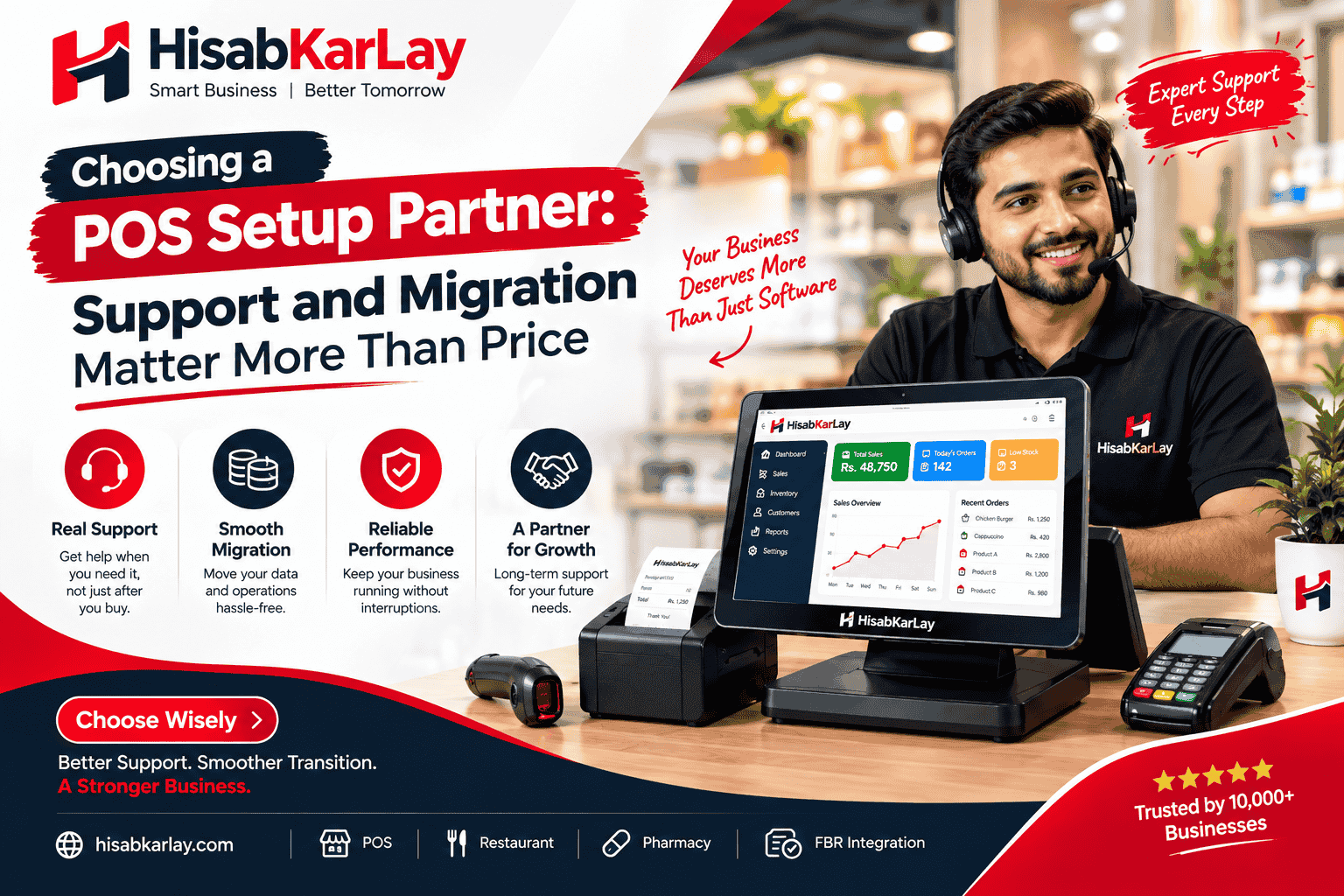
Once you pick software, the real test is how the vendor handles setup, training, and problems after the sale.
Polite but useless customer care combined with data migration nightmares happen when a vendor promises full support during the sales call but disappears after payment, leaving old data stuck in a format the new system can't read. Before signing any contract, ask for a written commitment on data migration timelines and a direct phone number for post-sale support, not just a general email address.
What a Proper Setup Includes
A serious vendor offering pos setup service and installation support should walk through your shop or restaurant in person, not just ship a box. Look for providers who cover:
- Retail and restaurant pos device setup, including counter placement and cable routing so cords don't become a tripping hazard
- Pos inventory and billing terminal setup, meaning your full product list is loaded and tested before go-live day, not after
- Staff training sessions run in Urdu or English, whichever your team prefers
- A trial run with real transactions before the old system is switched off
Why Cloud and Local SEO Matter Together
A growing number of businesses now search for a cloud-based POS and SEO software agency that can handle both their backend systems and their online visibility. This matters because a shop with great software but no online presence still loses customers to competitors who show up first on Google Maps searches. Choosing a provider that understands both sides means your POS data and your online store listings stay consistent, rather than managed by two separate teams that never talk to each other.
Match the System to Your Actual Business, Not the Sales Pitch
The right accounting software for small business in Pakistan depends on what you actually sell, not what looks impressive in a demo. A single shop needs speed and offline reliability. POS supermarkets need stock accuracy across weighing scales and barcodes. A restaurant needs kitchen tickets that never drop. A pharmacy needs expiry tracking. A school needs fee automation that parents can trust.
Before you commit, ask three questions: Does it work when the internet fails? Does support answer the phone on a Saturday night? Can it grow with you if you open a second branch next year? If the answer to all three is yes, you've found a system worth paying for.